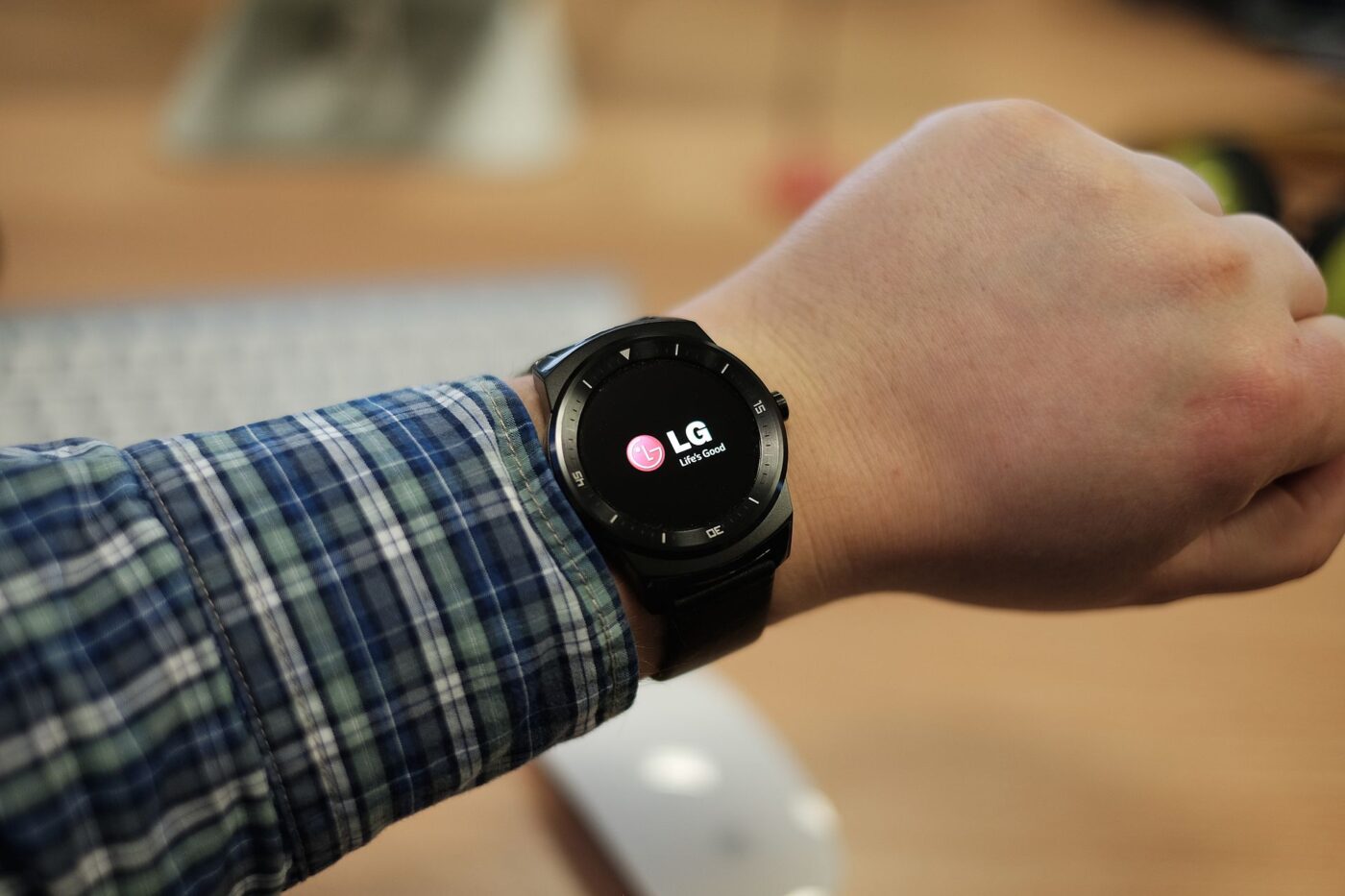
For decades, automatic fall detection meant a pendant tied to a monitoring subscription. That is no longer the only route. Google’s Pixel Watch had fall detection by 2023, Apple turns its version on by default for anyone 55 and older who enters an age, and Apple’s $249 Apple Watch SE 3, introduced in September 2025, includes it.
Medical alert companies have not gone away. They have shifted their pitch to what a watch does not include: trained agents who answer around the clock, batteries that last days and a single button. Here is how the two approaches differ after a fall, what each costs and who each suits.
Trend Signal
60/100 Steady momentum
- Emerging
- Rising
- Mainstream
- Peaking
- Cooling
Fall detection is now standard on watches; alert firms charge for monitoring
Apple Watch turns Fall Detection on automatically for users 55 and older and includes it on the $249 Apple Watch SE 3, while Lively sells fall detection as a paid monthly add-on to its monitored alert plans.
Our editorial reading of the cited data, not a forecast. How it is scored
By the numbers
- 55+Age at which Apple Watch turns Fall Detection on automatically, if the age is setApple
- $249Starting U.S. price of Apple Watch SE 3, which includes Fall Detection, September 2025Apple
- 4.5MU.S. emergency department visits each year due to falls among adults 65 and olderCDC
- 63MAmericans giving ongoing care to older adults or people with illness or disability, 2025National Alliance for Caregiving
Detection became a default setting
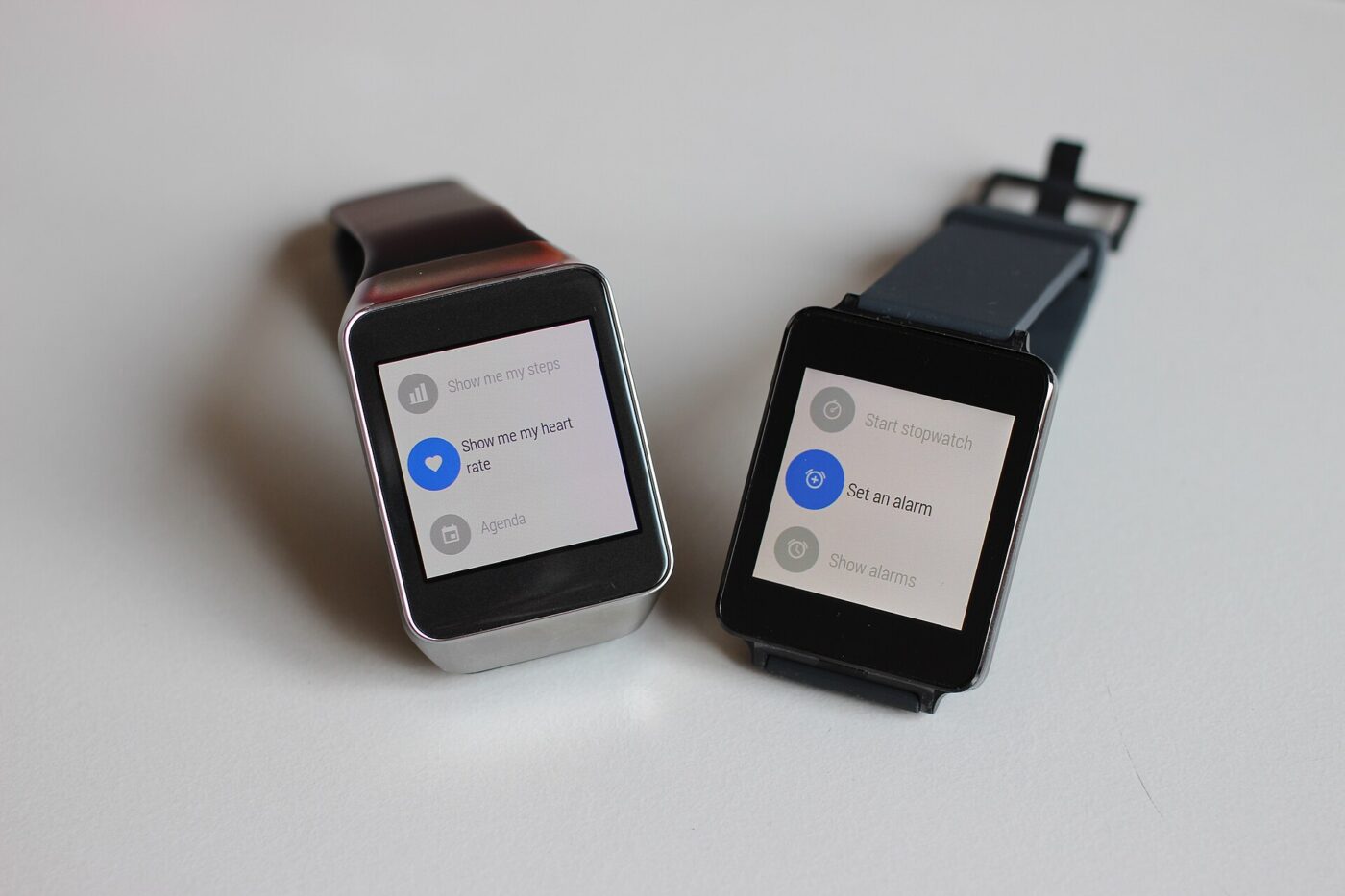
Apple’s support documentation says Fall Detection works on Apple Watch SE or later, Series 4 or later and Ultra models, and turns on automatically for users 55 and older who entered their age during setup or in the Health app. It is available only to users 18 and older, and can be set to always on or only during workouts.
The feature is not reserved for premium models. Apple introduced the Apple Watch SE 3 on September 9, 2025 at a starting U.S. price of $249, listing Fall Detection, Crash Detection, Emergency SOS and Check In among its safety features, along with 5G cellular capability.
Google took the same route. In a June 2023 post, it described building Pixel Watch fall detection from lab studies, physics simulations and falls staged by stunt performers, then testing it on several hundred people for more than a year. Its support page lists fall detection in the U.S. and 20 other countries and says LTE versions can call without the paired phone nearby.
Fall detection is now a standard smartwatch feature, not a separate product.
What happens after a fall, device by device
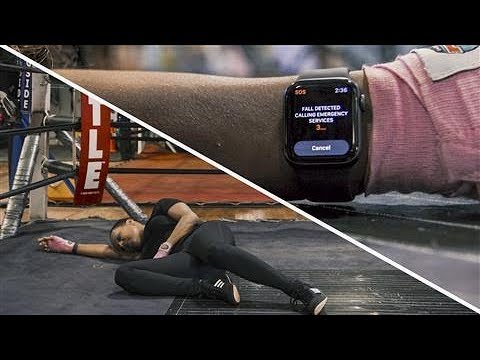
The mechanics differ in ways that matter to a caregiver. Apple Watch taps the wrist, sounds an alarm and shows an alert; if the wearer stays still for about a minute, it runs a 30-second countdown, calls emergency services and then messages emergency contacts with the location. Pixel Watch waits about 30 seconds, vibrates and rings loudly, and calls emergency services if there is no response after 60 seconds.
A monitored alert routes the call differently. Lively’s Mobile2, an all-in-one alert that requires a Lively service plan, gives one-button access to certified Urgent Response agents around the clock. Automatic fall detection is optional: Lively sells it as a separate monthly service on top of the plan, and it works only when the device is worn on its lanyard.
| Device | How help is reached | Who gets the call | What detection costs |
|---|---|---|---|
| Apple Watch (SE, Series 4 or later, Ultra) | Automatic call after about a minute of stillness and a 30-second countdown | Emergency services, then a message to emergency contacts | Built in; on by default at 55 and older |
| Google Pixel Watch | Rings after about 30 seconds, calls after 60 seconds without a response | Emergency services, with location | Built in; LTE models work without the phone |
| Lively Mobile2 alert | Help button, with fall detection as a paid add-on | Lively’s Urgent Response agents, 24/7 | Paid monthly add-on to a required plan |
Why demand keeps building
The underlying need has not changed. The CDC says more than one in four adults 65 and older fall each year and fewer than half tell their doctor, that older adults’ falls lead to about 4.5 million emergency department visits a year, and that falling once doubles the chance of falling again. About 37% of those who fall report an injury that needed treatment or restricted their activity for at least a day.
More people are also looking after someone. The National Alliance for Caregiving’s Caregiving in the US 2025 report counts 63 million Americans, about one in four adults, providing ongoing care to older adults or people with serious illness or disability, 20 million more than in 2015. For a caregiver who does not live with the person, an automatic call plus a message with a location is the feature that matters most.
Where the watch falls short
Apple and Google both say their watches cannot detect all falls, and both warn that high-impact activity can set off false alerts. Detection also depends on a connection: Apple needs a cellular, satellite or Wi-Fi Calling connection from the watch or a nearby iPhone, and Wi-Fi-only Pixel Watches need the phone close by.
Charging is the practical gap. Apple rates the SE 3 at 18 hours of battery life, with 15 minutes of charging adding up to eight hours, so the watch has to come off every day. Lively rates the Mobile2 at up to three days per charge, with IPX7 water resistance. A detector left on the nightstand overnight, or taken off for a shower, catches nothing.
Setup matters too. Apple’s automatic setting relies on an age entered at setup or in the Health app, and its emergency messages go to the contacts saved in Medical ID. A watch bought for a parent and set up in a hurry can miss both.
Who should choose which
A cellular smartwatch fits an older adult who already wears one, charges devices without prompting and is comfortable with the watch calling 911 directly. The cost is the watch and, for calls away from the phone, a cellular plan; fall detection itself is a built-in feature on both Apple and Google watches.
A monitored pendant or all-in-one alert fits someone who will not manage a touchscreen, wants a person on the line to decide whether an ambulance or a neighbor is needed, or needs a device that runs for days between charges. Budget for the monthly plan and the fall detection add-on, and ask who the agents call and in what order.
What to watch next
- Apple’s and Google’s next watch software updates, for any change to the default-on age or to which models get fall detection.
- Monitoring plan prices at Lively and other alert companies, for whether fall detection stays a paid add-on as watches include it.
- The CDC’s older adult falls page, last updated September 4, 2026, for new figures on falls and emergency visits.
Where to start
Paid links: we earn a commission if you buy through the buttons below, at no extra cost to you. As an Amazon Associate I earn from qualifying purchases.
Fall detection and call-for-help devices by how they reach help
| Product type | Good fit for | Where to look |
|---|---|---|
| Cellular smartwatch with fall detection | Fits a daily watch wearer | See listings on AmazonOpens Amazon search results, not one listing: check the model on the product page. |
| Medical alert pendant with fall detection | Fits someone who wants an agent on the line | See listings on AmazonOpens Amazon search results, not one listing: check the model on the product page. |
| Waterproof wireless call button | Fits bathroom and bedside backup | See listings on AmazonOpens Amazon search results, not one listing: check the model on the product page. |
Product types that fit the trend described above, not tested models. Check the exact listing before you buy. How we pick them.
Cellular smartwatch with fall detection
Where to look: Amazon
The mainstream route. Check that the model lists fall detection and cellular or Wi-Fi calling, and enter the wearer’s age and Medical ID contacts at setup.
- Fall detection built in
- Calls emergency services and messages contacts
- Needs charging every day
- Cannot detect all falls
Medical alert pendant with fall detection
Where to look: Amazon
The traditional route, now priced as a service. Read the plan terms for fall detection fees, contracts and what the agents do after they answer.
- Trained agents answer around the clock
- Multi-day battery on some models
- Monthly plan plus add-on fees
- Terms vary by company
Waterproof wireless call button
Where to look: Amazon
A low-cost backup for places where a watch or pendant tends to come off. It alerts someone in the house, so it complements a device that can call for outside help rather than replacing it.
- No subscription
- One large button
- Only reaches people in the home
- No automatic fall detection
More: Aging and Accessibility trends and how the Trend Signal is scored.
Sources
- Use Fall Detection with Apple Watch — Apple Support
- Apple introduces Apple Watch SE 3 — Apple Newsroom
- How Google Pixel Watch knows when you fall — Google
- Get help in an emergency with Google Pixel Watch safety features — Google Pixel Watch Help
- Lively Mobile2 All-in-One Medical Alert — Lively
- Facts About Older Adult Falls — Centers for Disease Control and Prevention
- Caregiving in the US — National Alliance for Caregiving
Questions readers ask
Is fall detection on by default on Apple Watch?
Yes, for users 55 and older who entered their age during setup or in the Health app, according to Apple. It works on Apple Watch SE or later, Series 4 or later and Ultra models, and is available only to users 18 and older.
What does a medical alert system with fall detection cost?
It varies by company, and most of the cost is recurring. Lively, for example, requires a monthly service plan for its Mobile2 alert and sells fall detection as an extra monthly service, with taxes and fees on top. Compare the device price, the plan, any activation fee and the fall detection charge before choosing.
Can a smartwatch detect every fall?
No. Apple states that Apple Watch cannot detect all falls, Google says the same of Pixel Watch, and both warn that high-impact activity can trigger false alerts.
Who does a fall detection watch call?
Apple Watch and Pixel Watch call emergency services after an unanswered alert and share the location; Apple also messages the emergency contacts saved in Medical ID. Monitored alerts such as Lively’s route the call to the company’s agents instead.