We have not tested any lock named here. This compares what manufacturers declare in their own compliance documents against what the rules now require, with every document read on October 1, 2026. We name only companies that publish a support period or a per-model statement we could download and quote.
The question behind the search is unusually answerable. A lock is three layers stacked on a deadbolt: credentials held on the device, a short-range radio, and a cloud account. Only the third needs anyone to stay in business, and makers who publish support periods let you see how long that layer is promised for.
Trend Signal
61/100 Steady momentum
- Emerging
- Rising
- Mainstream
- Peaking
- Cooling
Support periods are now declared per model, and they are short enough to matter
Aqara publishes a statement of compliance for each lock. On October 1, 2026 those documents declared at least five years of security updates for the Smart Lock U100, at least one year for the U300, and two different answers for the U200: a UK period ending December 31, 2026 and a later Australian one of at least five years.
Our editorial reading of the cited data, not a forecast. How it is scored
By the numbers
- 12/31/2026Support period Aqara declares for the Smart Lock U200 in its UK statement of complianceAqara
- 1 yearShortest support period Aqara declares for one of its locks, the U300, from launch dayAqara
- 5 yearsLongest support period Aqara declares for one of its locks, the U100, from launch dayAqara
- 0 locksDoor locks named in the TP-Link product support list dated September 7, 2026TP-Link
Three layers, and only one needs a company to stay in business
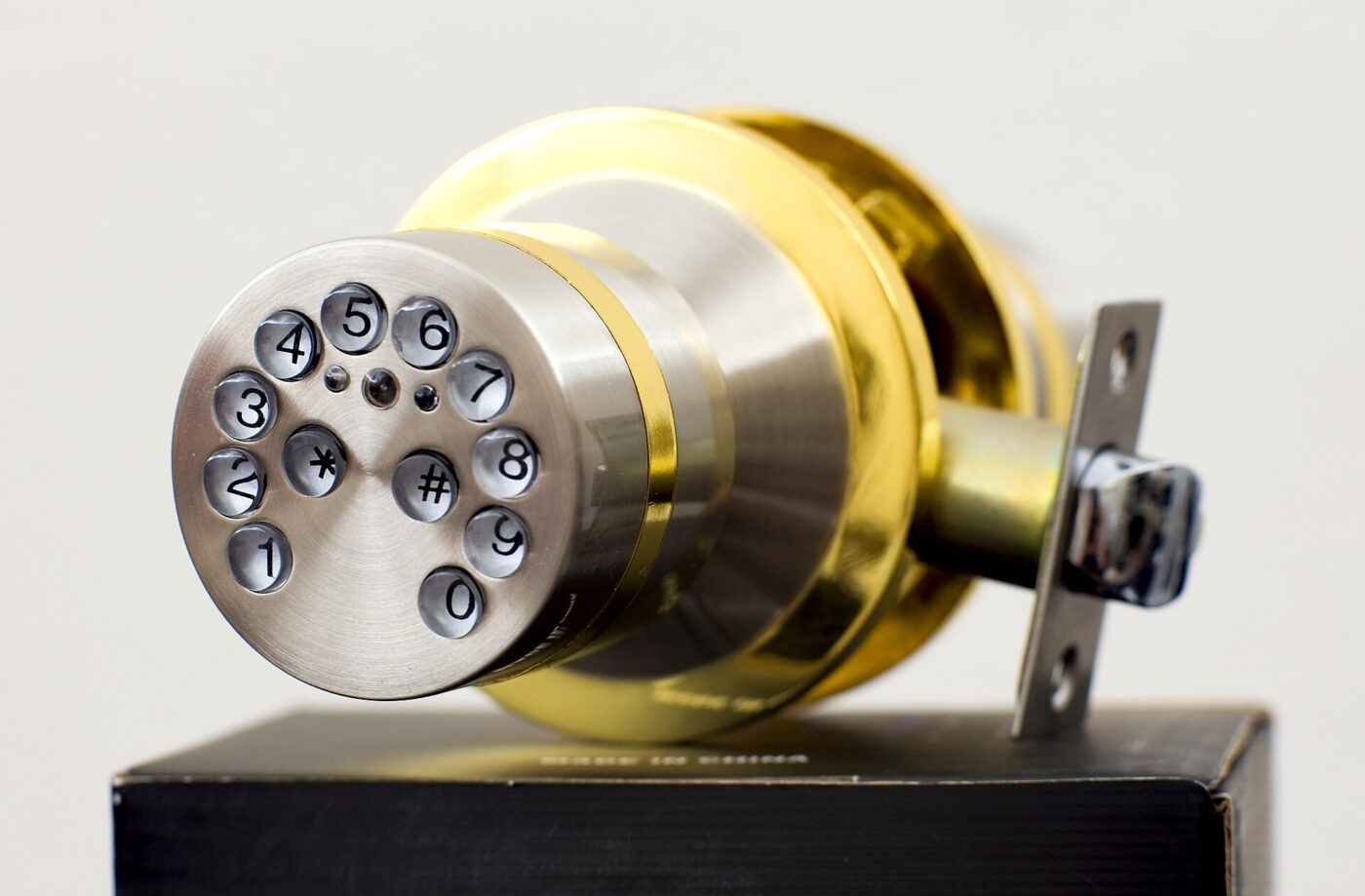
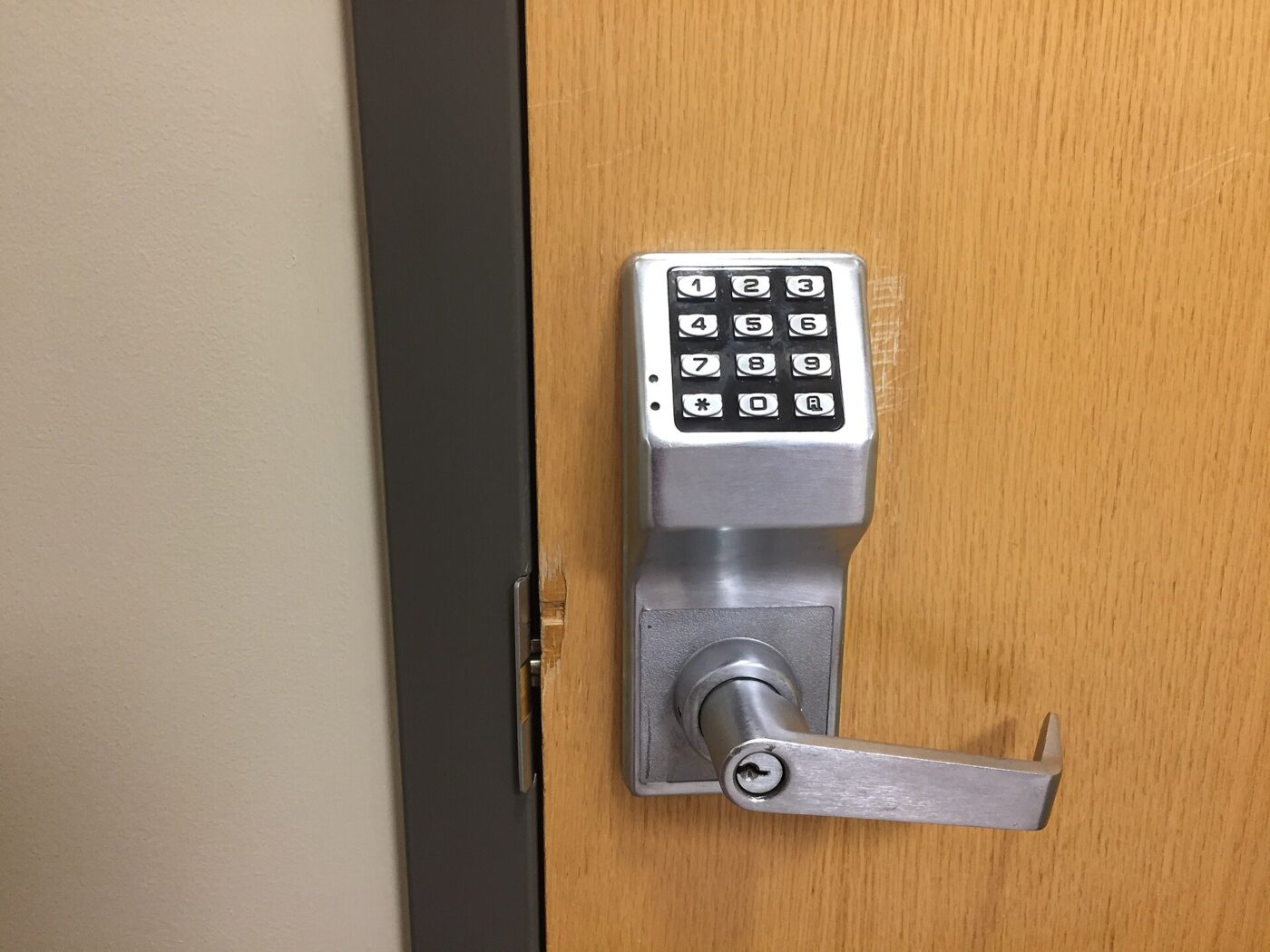
The bottom layer is the lock itself: a motor, a bolt and credentials stored in the device. A keypad code written into the lock’s own memory opens the door with the router unplugged and the company gone. So does a fingerprint template held on the device, which is why TP-Link’s statement that palm and fingerprint data for the Tapo DL130 stay there is a functional claim, not just a privacy one.
The middle layer is a short-range radio: Bluetooth to a phone at the door, Thread or Z-Wave to a hub. These work inside the home with no internet, though a Thread lock needs a border router present. We covered what that infrastructure costs in low-cost Matter over Thread gear.
The top layer is the account: remote unlocking, shared access by invitation, synced activity logs, and in camera locks the video itself. This is the layer with a subscription attached, and the only one somebody else can switch off. A lock that puts bottom-layer features behind the top one has made a design choice, usually visible on the product page.
Codes in the lock survive anything. Codes in an account do not.
What lock makers actually publish about support periods
Aqara is the most useful case: it publishes a separate statement of compliance for each model and the figures differ sharply. Its security certifications page states a general policy of maintaining security updates for at least two years from the launch day of certain models; the per-model documents put real numbers against that.
Read the table as a snapshot of published declarations, not a ranking. The documents are signed and a declared minimum can be extended. The U200 is the one to sit with, because Aqara filed two answers for the same models: a UK period ending in three months and a later Australian one of at least five years.
TP-Link takes the other common approach, a single brand-wide rule: security updates run through a pre-defined support period ending three years after a product’s end-of-life date, with per-product dates in an attached document. We downloaded that document, dated September 7, 2026 and signed by the company’s chief information security officer, and read it end to end. It covers routers, switches, cameras, smart lighting, plugs, robot vacuums, powerline adapters and accessories. It names no door lock, though the company sells several and prints BHMA grades on their pages.
| Model | Declared support period | Document date |
|---|---|---|
| Aqara Smart Lock U100 | At least 5 years from launch day | August 20, 2025 |
| Aqara Smart Lock U400 | At least 3 years from launch day | August 15, 2025 |
| Aqara Smart Lock U300 | At least 1 year from launch day | August 20, 2025 |
| Aqara Smart Lock U200 and Keypad | Until December 31, 2026 (UK); at least 5 years from launch day (Australia) | June 12, 2024 and August 20, 2025 |
| Aqara Smart Lock U200 Lite | Until December 31, 2026; a later posting adds a year | May 13, 2025 |
| TP-Link, brand-wide policy | Three years after a product’s end-of-life date | September 7, 2026 |
The rules that are starting to force disclosure
None of those documents exist because a maker felt like writing one. The Connectivity Standards Alliance published its IoT Device Security Specification v1.0, document 23-80986-013, on March 18, 2024, requiring a manufacturer to document the terms of support including a defined support period, and how to manage the device beyond it.
In the United States the same idea sits inside the Cyber Trust Mark. The Federal Communications Commission adopted its Report and Order on cybersecurity labeling for the internet of things, FCC 24-26 in docket 23-239, on March 14, 2024 and released it the next day. The order lists smart locks among its examples of consumer IoT products and requires an applicant to declare that the product is reasonably secure and will be updated through the minimum support period, with that period’s end date disclosed in the program registry. The order rejected a plain expiry date because research in the record found consumers misread it as the day the device stops working.
So the disclosure is coming, through a voluntary label rather than a mandate, and slowly. Until a registry entry exists for a lock, the compliance statements makers publish for other markets are the nearest thing to a commitment.
What to check on a listing before you buy
Work from the bottom layer up, because that is the order in which features survive. Confirm that access codes live in the lock and work with the internet down. Find out whether a hub is required, and whether it is a Thread border router or a controller. Then find the support period; if the product page has none, look under the company’s security or certifications pages.
Then look at what the subscription buys. On the pages we read, paid tiers cover video retention, rich notifications and extended activity history, not locking and unlocking. That differs from a connected ring, where a subscription can gate the core function, as we found in what smart ring subscriptions cost now.
Finally, treat the account as a thing with its own lifespan: hardware outliving its service is covered in smart home gear switched off by its maker, and standing power draw in what a smart home costs to leave on.
Buy the bottom two layers. Treat the third as a feature that may expire.
Who should buy now and who should wait
Buy now if what you want is codes at the door for a cleaner, a dog walker or a teenager who loses keys. A keypad deadbolt storing codes locally delivers that for the life of the hardware.
Wait if the feature you are buying is remote access and the maker publishes no support period at all. That combination means the part you want has the least documented life. Waiting also makes sense near the end of a declared period, since makers do extend them and the updated statement is public.
One caution on our figures. Every support period above is a declaration made for an overseas regime, mostly the United Kingdom and Australia, and declarations are refreshed. We quote them because they are the only numbers these companies publish anywhere, not because they bind a US buyer.
What to watch next
- Whether a lock maker files a Cyber Trust Mark registry entry with a disclosed support end date, the first US-facing version of this number
- Whether TP-Link adds its Tapo door locks to the product list attached to its published support statement
- Whether Aqara extends the Smart Lock U200 period, which would show in a refreshed statement on its certifications page
Where to start
Paid links: we earn a commission if you buy through the buttons below, at no extra cost to you. As an Amazon Associate I earn from qualifying purchases.
Lock setups compared on what works with the service gone
| Product type | Good fit for | Where to look |
|---|---|---|
| Keypad deadbolt that works without Wi-Fi | Fits a house with no hub | See listings on AmazonOpens Amazon search results, not one listing: check the model on the product page. |
| Matter over Thread smart deadbolt | Fits local automation | See listings on AmazonOpens Amazon search results, not one listing: check the model on the product page. |
| Fingerprint deadbolt with on-device storage | Fits shared access without an app | See listings on AmazonOpens Amazon search results, not one listing: check the model on the product page. |
Product types that fit the trend described above, not tested models. Check the exact listing before you buy. How we pick them.
Keypad deadbolt that works without Wi-Fi
Where to look: Amazon
The simplest answer to the search. Everything happens in the lock, so nothing can be withdrawn later, and maintenance is a set of AA cells.
- Nothing to sign up for
- Works in a power cut with batteries
- No remote unlocking
- No activity log on your phone
Matter over Thread smart deadbolt
Where to look: Amazon
Thread keeps the control path inside the house. Settle the border router question first: a Thread lock with nothing to join is a Bluetooth lock until you buy one.
- Runs inside the home network
- Works across Matter controllers
- Needs a border router
- Setup app may still want an account
Fingerprint deadbolt with on-device storage
Where to look: Amazon
Useful when the people you let in will not install anything. Look for a plain statement that templates stay on the device, as TP-Link makes for the DL130.
- No code to pass around
- Templates can be held on the device
- Enrollment is usually done at the lock
- Wet or cold fingers fail
More: Smart Home trends and how the Trend Signal is scored.
Sources
- Statement of compliance, Aqara Smart Lock U200 — Lumi United Technology
- Statement of compliance, Aqara Smart Lock U100 — Lumi United Technology
- Statement of compliance, Aqara Smart Lock U300 — Lumi United Technology
- Global security and compliance statements — Aqara
- Statement of compliance and support list — TP-Link
- IoT Device Security Specification v1.0 — Connectivity Standards Alliance
- Cybersecurity Labeling for Internet of Things, FCC 24-26 — FCC
- SwitchBot Lock Pro product page — SwitchBot
Questions readers ask
Do any smart locks need a monthly subscription to lock and unlock?
Not among the models whose pages we read on October 1, 2026. Paid tiers cover video retention, extended activity history and richer alerts rather than basic locking. Camera locks are where the charge usually appears, which is why smart door lock with camera no subscription is now an Amazon autocomplete suggestion.
What is a defined support period, and where do I find one?
It is the period during which a manufacturer commits to issuing security updates. The Connectivity Standards Alliance IoT Device Security Specification v1.0 of March 18, 2024 requires makers to document it. In practice you find it in a company’s statements of compliance, filed under security or certifications rather than on the product page.
Will a smart lock stop opening when its support period ends?
Nothing in these documents says so. A support period is a commitment to issue security updates, not a shutdown date, and codes stored in the lock do not depend on it. What ends is the promise to patch.
Does a lock that needs no Wi-Fi still work with Alexa or Google Home?
Usually only through a hub. A Bluetooth-only lock talks to a phone at the door, so adding an assistant means adding a bridge or a Thread border router, often sold separately, as SwitchBot states for Matter support on its Lock Pro.