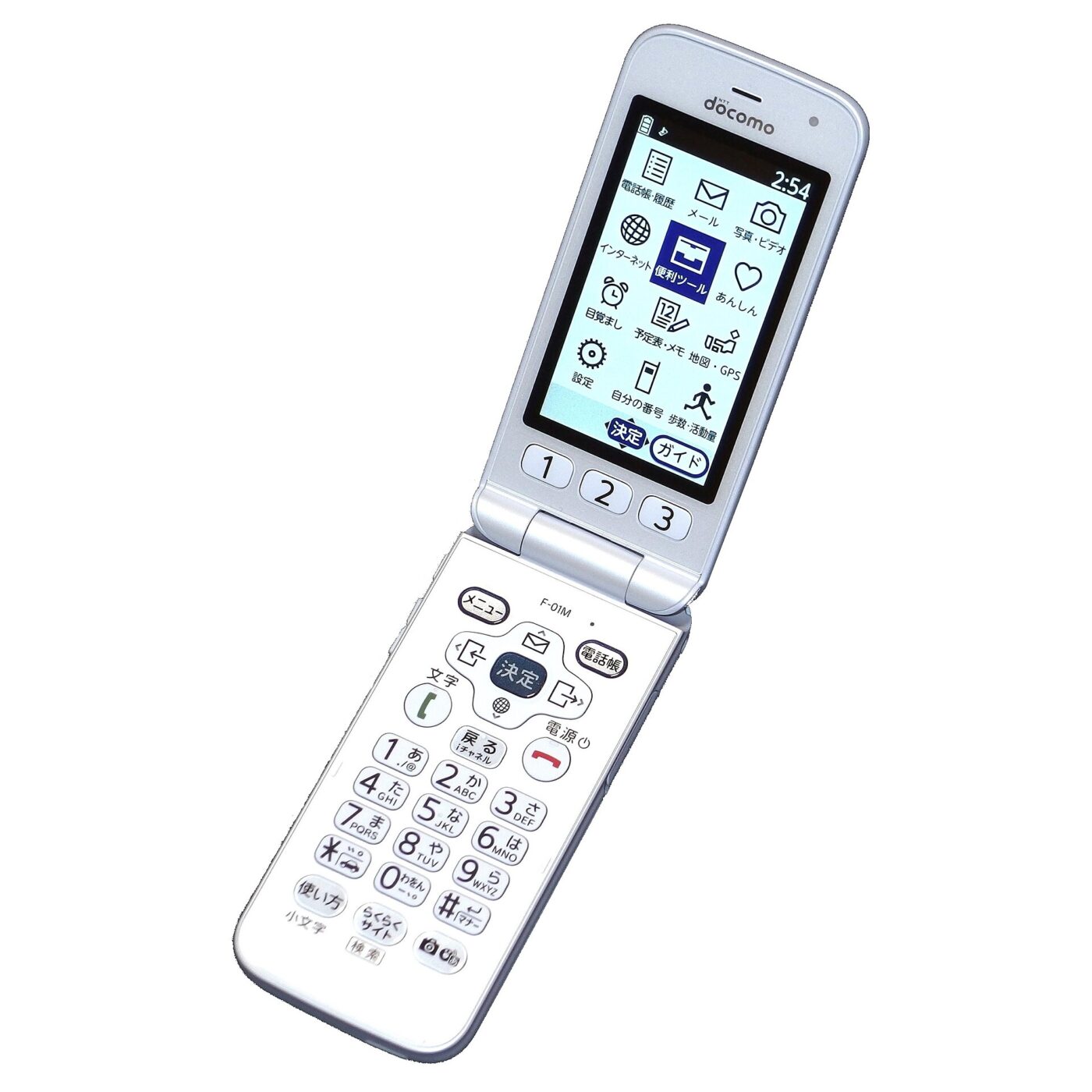
A “senior phone” used to mean a flip phone with oversized keys and a plan built around it. In 2026 there are three routes: a dedicated flip phone, a senior-focused smartphone with its own menu and help service, or an ordinary iPhone or Galaxy switched into a simplified mode.
Pew’s data show most older adults have already chosen a smartphone, but a sizable minority still uses a basic phone, and the companies that serve them are still releasing hardware. Here is how the three routes differ, what the service plans include and how to match one to the person who will use it.
Trend Signal
45/100 Steady momentum
- Emerging
- Rising
- Mainstream
- Peaking
- Cooling
Most older adults use smartphones, yet dedicated senior phones still get new models
Pew found in 2025 that 78% of Americans 65 and older own a smartphone and 16% own only a basic cellphone, while Lively sells 5G Jitterbug Flip3 and Smart5 phones, the Smart5 with a 2026 release year.
Our editorial reading of the cited data, not a forecast. How it is scored
By the numbers
- 78%Americans 65 and older who own a smartphone, Pew survey, February to June 2025Pew Research Center
- 16%Americans 65 and older who own a cellphone that is not a smartphone, 2025Pew Research Center
- 95%Americans 65 and older who own any kind of cellphone, Pew survey, 2025Pew Research Center
Where older adults are on phones
In Pew Research Center’s survey conducted February 5 to June 18, 2025, 95% of Americans 65 and older owned a cellphone and 78% owned a smartphone. That leaves 16% with a cellphone that is not a smartphone, far more than the 2% to 7% in younger age groups.
Across all U.S. adults, 98% own a cellphone and 91% own a smartphone, up from 35% in Pew’s first smartphone survey in 2011. Older adults have mostly caught up, but about one in six people 65 and older still relies on a basic phone, and that group is the core market for dedicated senior devices.
| Age group | Own a cellphone | Own a smartphone | Cellphone, not a smartphone |
|---|---|---|---|
| 18–29 | 99% | 97% | 2% |
| 30–49 | 99% | 96% | 3% |
| 50–64 | 98% | 90% | 7% |
| 65 and older | 95% | 78% | 16% |
Smartphones are the default for older adults, but one in six in the 65-plus group still uses a basic cellphone.
What changed in dedicated senior phones
Lively, the company behind the Jitterbug brand, sells two 5G models, the Jitterbug Flip3 and the Jitterbug Smart5, alongside the older Flip2 and Smart4 that its store lists as sale and open-box stock. The Smart5’s specifications give a 2026 release year. The Flip3 has big backlit buttons, a 3.2-inch high-contrast screen, voice dialing by saying “Dial” and a contact’s name, and a dedicated Help button.
The Smart5 is a full Android 16 phone with a 6.75-inch screen, a simple list-based menu and an Urgent Response button. Both require a monthly Lively service plan chosen at activation, with Basic, Preferred and Premium tiers plus fees and taxes, and Lively’s store says Urgent Response and its Lively Link app need a Preferred or Premium plan.
The store also sells a bring-your-own-phone service and a RAZ Memory Cell Phone with memory-care features, a sign that the company sells service for other hardware as well as its own.
Simplified modes on mainstream smartphones

The alternative lives in the settings menu. Apple announced Assistive Access in May 2023 as a way to distill iPhone and iPad apps to their essential features, with high-contrast buttons, large text labels and Phone and FaceTime combined into a single Calls app. Apple built it with feedback from people with cognitive disabilities and their trusted supporters, and in May 2025 it announced a simplified Apple TV app and a developer API for the feature.
Samsung’s Easy Mode, found under Settings and then Display, enlarges icons, fonts and spacing. Samsung’s Gulf-region support page lists it for Galaxy S24, S25 and S26, Z Fold, Z Flip and Galaxy A series phones. Neither mode costs extra.
What neither includes is a staffed help line. That is the service a senior phone plan sells on top of the hardware.
Comparing the three routes
The bigger differences are in running costs and help features. Both Jitterbugs have a dedicated help button, but the agent-backed Urgent Response service behind it sits in Lively’s higher plan tiers. A mainstream phone in a simplified mode runs on any carrier plan and can keep the person on the same kind of phone the family uses, with the same apps for photos and video calls.
The tradeoff is the touchscreen. Assistive Access and Easy Mode make it larger and simpler, but they do not add physical keys, which is the main reason some people stay with a flip phone.
| Route | Screen and keys | Monthly service | Help features |
|---|---|---|---|
| Jitterbug Flip3 | 3.2-inch screen, big backlit keys | Lively plan required | Help button; Urgent Response on Preferred or Premium |
| Jitterbug Smart5 | 6.75-inch touchscreen, list-based menu | Lively plan required | Urgent Response button; agents on Preferred or Premium |
| iPhone with Assistive Access or Galaxy with Easy Mode | Touchscreen with larger icons and text | Any carrier plan | Standard emergency calling; no staffed help line |
How to choose for a parent
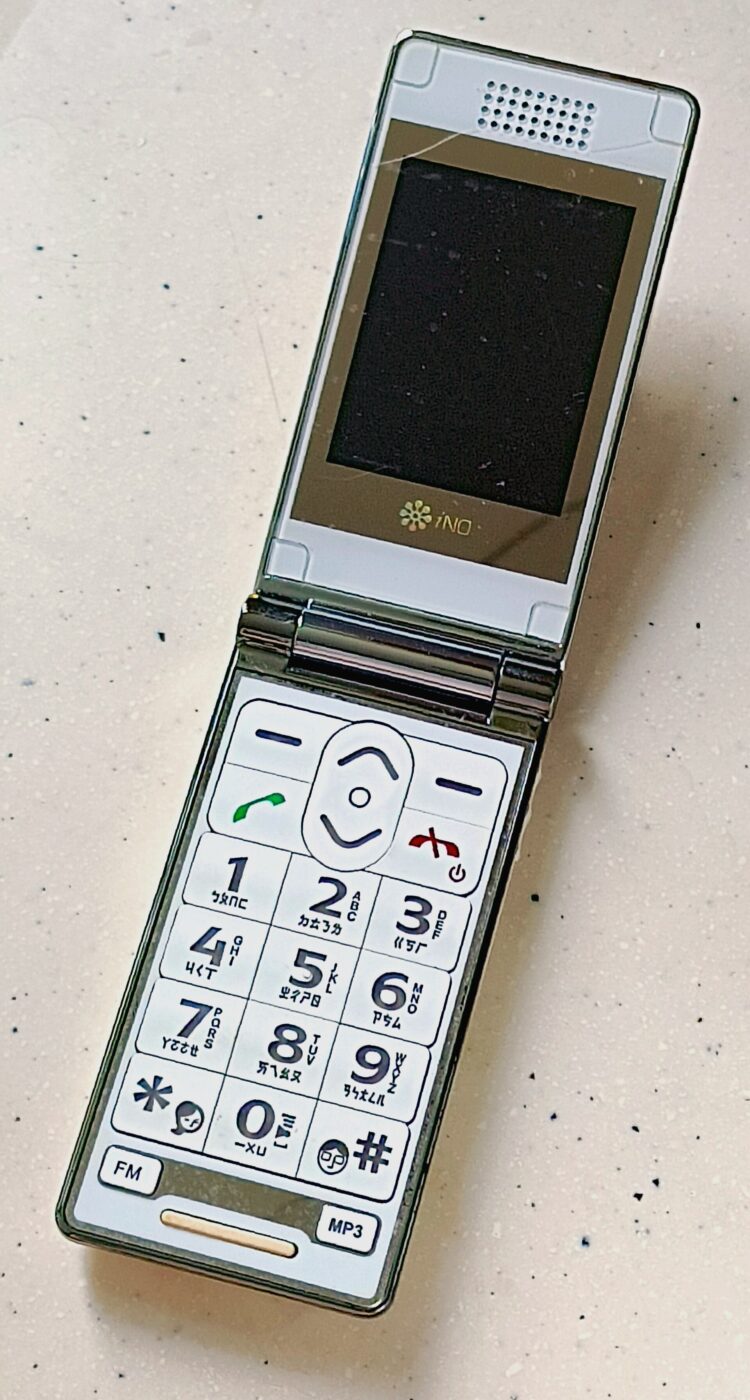
Start with what the person does now. Someone who only makes calls and wants physical keys is the flip phone’s audience, and the Flip3’s voice dialing and Help button cover the basics. Someone who wants photos and video calls but gets lost in menus fits a senior smartphone, or a simplified mode on a phone they already know.
Then decide who should answer when they ask for help. If it should be a trained agent, budget for the plan tier that includes one. If family is enough, a mainstream phone with emergency contacts set and Assistive Access or Easy Mode turned on may do the job for no added monthly cost. If hearing is a factor, check the hearing aid compatibility rating on the spec sheet; Lively lists one for the Flip3.
What to watch next
- Pew’s next mobile fact sheet update, for whether the 16% of older adults with basic cellphones keeps shrinking.
- Lively’s plan pricing, and which help features sit behind its Preferred and Premium tiers.
- Apple’s annual accessibility preview, which came in May in both 2023 and 2025, for changes to Assistive Access.
Where to start
Paid links: we earn a commission if you buy through the buttons below, at no extra cost to you. As an Amazon Associate I earn from qualifying purchases.
Large-button phone types you can buy online
| Product type | Good fit for | Where to look |
|---|---|---|
| Unlocked 4G flip phone with big buttons | Fits calls-only users who want keys | See listings on AmazonOpens Amazon search results, not one listing: check the model on the product page. |
| Big-button home phone with photo speed dial | Fits a home line with photo dialing | See listings on AmazonOpens Amazon search results, not one listing: check the model on the product page. |
| Senior smartphone with SOS button | Fits a first smartphone with an SOS key | See listings on AmazonOpens Amazon search results, not one listing: check the model on the product page. |
Product types that fit the trend described above, not tested models. Check the exact listing before you buy. How we pick them.
Unlocked 4G flip phone with big buttons
Where to look: Amazon
The plain option for someone who wants to make and take calls. Confirm the phone supports your carrier’s current network, and set up speed dials before handing it over.
- Physical keys and a simple menu
- Works on a regular carrier plan
- No staffed help service
- Small screen for photos
Big-button home phone with photo speed dial
Where to look: Amazon
Useful as a second phone in the kitchen or bedroom. Photo speed-dial keys let someone call family without reading a contact list.
- Photo buttons for family numbers
- Large keypad on a stable base
- Stays at home
- Some models need a landline jack
Senior smartphone with SOS button
Where to look: Amazon
A middle path between a flip phone and a mainstream smartphone. Read the listing carefully for what the SOS key does and whether any service fee applies.
- Large icons out of the box
- Dedicated SOS key
- SOS may only call saved contacts
- Setup still needs a helper
More: Aging and Accessibility trends and how the Trend Signal is scored.
Sources
- Mobile Fact Sheet — Pew Research Center
- Jitterbug Flip3 Flip Phone for Seniors — Lively
- Jitterbug Smart5 Smartphone for Seniors — Lively
- Senior Cell Phones and Medical Alerts, store and plans — Lively
- Apple previews Live Speech, Personal Voice, and more new accessibility features — Apple Newsroom
- Apple unveils new accessibility features, May 2025 — Apple Newsroom
- Using Easy Mode on my Samsung Phone — Samsung
Questions readers ask
What share of seniors use a smartphone?
Pew’s 2025 survey found that 78% of Americans 65 and older own a smartphone, 95% own some kind of cellphone and 16% own a cellphone that is not a smartphone.
Is the Jitterbug Flip3 a 5G phone?
Yes. Lively lists the Jitterbug Flip3 with 5G, big backlit buttons, a 3.2-inch screen and a dedicated Help button. It requires a monthly Lively service plan chosen at activation.
Can an iPhone be made simpler for an older parent?
Yes. Apple’s Assistive Access, announced in May 2023, reduces apps to their essential features with large text labels and high-contrast buttons, and combines Phone and FaceTime into one Calls app. Apple designed it for people with cognitive disabilities, but the layout suits anyone who wants fewer choices on screen.
Does Samsung have a senior mode?
Samsung’s Easy Mode, found under Settings and Display, enlarges icons, fonts and spacing. Samsung’s Gulf-region support page lists it for Galaxy S24, S25 and S26, Z Fold, Z Flip and Galaxy A series phones.